Every guest.Five frames.One shared story.
Guests scan your QR code and capture the day from their own phones — exactly 5 photos each, chosen with care. You get one private collection, revealed when you’re ready.
₱999 per event, paid once · Guests never pay




For guests
Scan, choose, keep. That’s the whole idea.
Santos Family Reunion

Scan. You have five frames.
No app. No account.
Hi, Bea!
Welcome to the Santos Family Reunion
3 of 5shots left
2 taken 1
1 2345
2345 Shot 3 of 5
Once kept, this photo is final. Retakes are free and don’t use a shot.
Hi, Bea!
Welcome to the Santos Family Reunion
2 of 5shots left
3 taken12345Shot 3 kept. It’s in the event’s collection.
Take shot 4Relive the moments
Santos Family Reunion · Sat, Dec 20



Tap a photo to open it
Why five
Five is a choice, not a limit.
A shared folder with no limit
Bursts, near-duplicates and blurry near-misses, all waiting to be sorted. Easy to fill, hard to look back through.
5 from every guest
Each photo was chosen. Together they show the day from everyone’s point of view.
Fewer, more intentional photos
Phones back in pockets
Every guest adds a view
Unused frames are fine
Keepsakes
Theirs to keep, in your event’s look.
Your look, carried through
Add one image, pick an accent color and, if you like, a hashtag. Guest screens, signage and keepsakes all wear it. Skip it, and the FiveFrames look is ready as it is.One photo, or all five
Guests choose from five keepsake styles for any photo they kept. Someone who keeps all five can also put them together in one, with five styles made for that.The original stays the original
A keepsake is a separate image. The photo itself is never cropped, filtered or changed, and it still downloads exactly as it was taken.Only their own photos
A keepsake never shows the guest’s name, anyone else’s photos, or a way into your event or gallery.
The gallery
Your event. Your gallery.
Every photo keeps its own shape, in a relaxed collage.
Relive the moments
12 photos
Masonry, Rows or Grid
Pick a layout in your event settings and change it whenever you like. Masonry is ready by default.
The same photos, whichever you pick
The layout only arranges them. Which photos appear, and who can open the gallery, stays exactly as you set it.
Everyone’s, together
Keepsakes are each guest’s own photos, styled to share. The gallery is the whole event in one place, opened when you reveal it.
For hosts
Everything you need for the day, and after it.
Santos Family Reunion
Sat, Dec 20 · Sample event

 HIDDEN

Ready-made signage
You open capture
Counts that keep up
Hide, delete, favorite
Reveal on your terms
Links you control
Every original
Sharing is your call
Hosted for about 12 months
How it works
From setup to reveal in four steps.
- 1
Create your event
Name, date, a welcome message for guests, and your gallery and sharing settings. Add your own look if you like. Set it all up before paying.
- 2
Activate and share the QR
Pay ₱999 once and your event link, QR code and signage are ready. Capture stays closed until you open it.
- 3
Open capture on the day
When everyone’s there, switch capture on. Each guest gets exactly 5 frames.
- 4
Reveal and keep
Review the photos, choose a gallery layout, reveal it when it feels right, and download the originals.
For any occasion
Wherever people gather.

Birthdays
From a first birthday to a ninetieth, five frames from everyone who came.
Parties
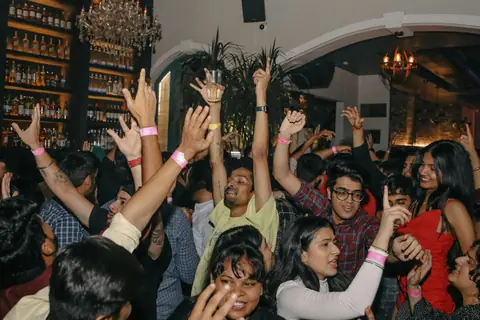
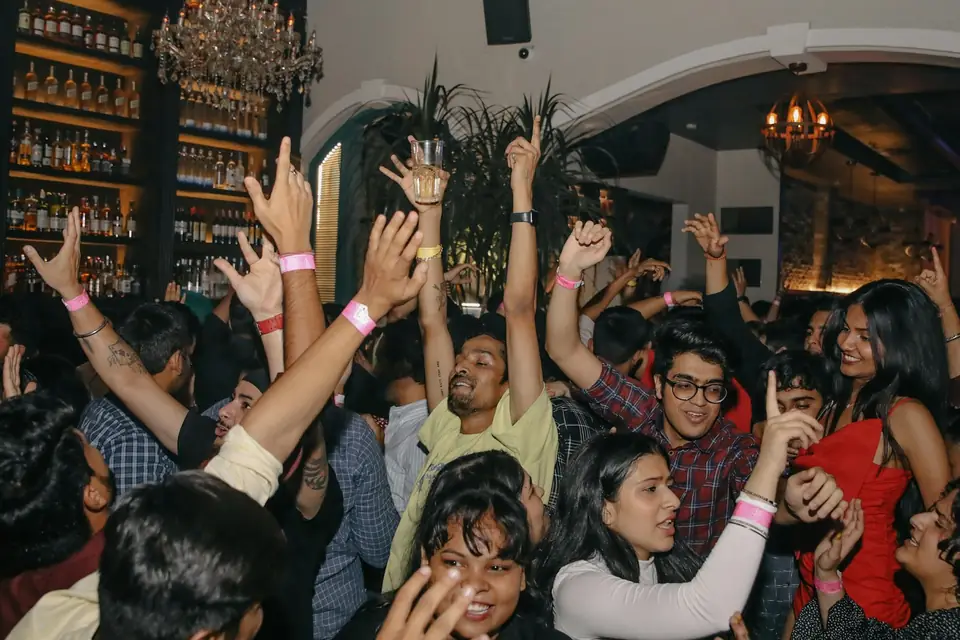
The night from every corner of the room, without anyone stuck playing photographer.

Reunions
Every branch of the family and every old friend adds their own five.

Trips
One shared collection from the whole group, not just one person’s camera roll.

Team events
Offsites, launches and year-end parties, seen by the whole team.
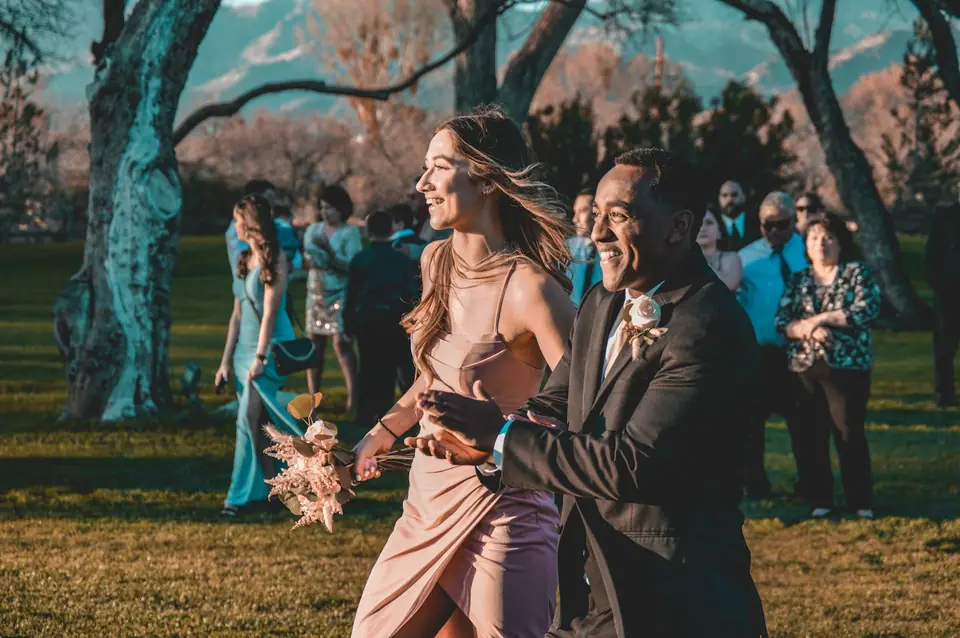
Weddings
A guest’s-eye view of the day, alongside your photographer’s.
Try before you buy
Feel what five frames is like.
The demo is the guest experience, right in your browser. Take five shots with your own camera or our sample images, add a message, keep them, and notice how it changes what you choose. Then try the keepsake styles on a sample look.
- Nothing is uploaded or saved — it all stays on your device
- It isn’t an event: there’s no link or QR to share
- No account needed
On a computer?
Scan to open the demo on your phone, the way guests would.
Built in
Private by default. Fair by design.
Hidden until you reveal it
Before you reveal the gallery, nobody can see it — not even someone holding its link. After that: anyone with the link, or only you.
Guests keep their own view
Each guest can see and download the photos they kept, for as long as their session and your event last.
No public photo addresses
Each photo is served through a short-lived link, issued only after an access check.
Five means five
Every guest session gets exactly five frames. Hosts can’t raise it, guests can’t buy more, and it’s enforced on our servers, not in the browser.
A failed upload never costs a frame
A frame is used only once the photo has safely arrived, and a retry never creates a duplicate.
No AI in the capture flow
Photos aren’t edited, faces aren’t altered and captions aren’t generated.
Pricing
One event. One price.
- Guests never pay, and there are no extra frames to buy
- Pay online with GCash, Maya or card
- Paying activates your event — you still choose when capture opens
One event
₱999per event, paid once
Guests never pay. No subscription, no per-photo charges, and processing fees are included.
- 5 frames for every guest — the same for every event
- Your event link, printable QR, table card, poster and phone-screen signage
- Your own look on guest screens, signage and keepsakes, if you want one
- Keepsakes guests can make from their own photos
- You open and close capture; hide, unhide, delete and favorite any photo
- Reveal the gallery when you choose, to anyone with the link or only you
- A gallery to scroll through, laid out as Masonry, Rows or Grid
- Download every original, one at a time or all at once
- About 12 months of hosted access
Set it up first, pay when you’re ready. GCash, Maya or card via PayMongo.
FAQ
Questions, answered.
Do guests need to download an app?
No. Guests scan your QR code or open your link, and everything happens in their phone’s browser.
Why only five photos?
Because five is the point. A small number asks guests to choose the moments that matter to them, and then lets them put the phone away and enjoy the event.
It’s 5 for every event. Hosts can’t change it and guests can’t buy more.
What if someone doesn’t use all five?
That’s completely fine. Unused frames aren’t something to fix, and FiveFrames never nudges guests to finish.
When does the gallery open?
When you decide. By default it opens once capture has closed. You can also reveal it right away, or at a time you choose.
Until then the gallery stays hidden, even from people who have its link.
What are keepsakes?
Styled images guests can make from their own photos, dressed in your event’s look. There are five styles for a single photo, and a guest who keeps all five can also put them together in one, in five styles made for that.
A keepsake is a separate image: the original photo is never changed. It never shows the guest’s name, anyone else’s photos, or a link into your event, and it carries a small FiveFrames mark.
Can I download the original photos?
Yes, one at a time or all at once, whenever you like until your event’s photos are deleted.
Originals are never modified. Previews and keepsakes are made as separate files.
What if the internet at the venue is weak?
A frame is only used once the photo has safely arrived. If an upload fails, the guest keeps the frame and can try again, and a retry never creates a duplicate.
Larger photos upload in pieces, so an interrupted upload can pick up where it left off.
How do I pay?
Online with GCash, Maya or card, handled securely by our payment provider, PayMongo. Processing fees are included in the price.
Give every guest five frames.
Set up your event, share one QR code, and let the day be seen from everyone’s point of view.